
A Buyer's Guide to USB-C Cables
The search for the right USB-C to USB-C cable can be more complex than it first appears. With a multitude of standards, power ratings, and materials, it's a challenge to find a cable that is not only compatible with your devices but also unlocks their full charging and data transfer potential. The wrong cable can slow down charging speeds or, in the worst-case scenario, limit functionality.
This guide is designed to bring clarity to the topic. As your Joybuy Product Recommendation Officer, I have compiled the essential criteria to help you make an informed decision. The goal is to provide you with objective information so you can find a reliable USB-C charging cable for your smartphone, tablet, or laptop.
What to Look for When Buying a USB-C to USB-C Cable
To select the right cable for your needs, you should consider three key aspects: charging power, data transfer rate, and the cable's length and material.
1. Charging Power and Power Delivery (PD)
For many users, the most important factor is charging speed. Modern devices, especially laptops and some tablets, use the Power Delivery (PD) standard to enable high-power charging.
- For smartphones and tablets: A cable that supports 60 watts (W) is generally sufficient, offering fast charging times for devices like the iPhone 15/16/17 or Samsung Galaxy models.
- For laptops: To efficiently charge powerful models like a MacBook Pro or a high-performance Windows notebook, a 100W fast charging cable is required. Ensure that both your power adapter and your end device support this wattage to achieve maximum speed.
The maximum power rating (e.g., 60W or 100W) is one of the most critical specifications for a Power Delivery cable.
2. Data Transfer Speed
A USB-C to USB-C cable is not just for charging; it's also for data exchange. Speeds can vary significantly:
- USB 2.0 (480 Mbps): This standard is common in most charging cables. It is perfectly adequate for syncing photos, music, and documents.
- USB 3.1/3.2 (5 to 20 Gbps): If you regularly transfer large files like 4K videos or extensive backups, a cable with a higher USB standard is a worthwhile investment.
- Thunderbolt 3/4 (up to 40 Gbps): These cables offer the highest speeds and often support video signal transmission to external monitors. However, they are a specialized choice for professional users.
For everyday use as a charging and occasional USB-C data cable, a model with USB 2.0 specifications is a pragmatic and cost-effective choice.
3. Cable Length and Material
The physical characteristics of a cable affect its handling and durability.
- Length: A standard length of 1 meter is ideal for desk use or on the go. A 1.8m USB-C cable or longer offers more flexibility when the power outlet is farther away, such as at home on the couch or in the office.
- Material: Standard cables are often sheathed in PVC or TPE. A braided USB-C cable made of nylon or a similar fabric offers greater resistance to kinks and wear and is less prone to tangling.
Top Cable Recommendations
Based on the criteria above, we have curated a selection of cables suitable for various use cases.
Samsung EP-DX510 USB-C to USB-C Cable (1.8m)
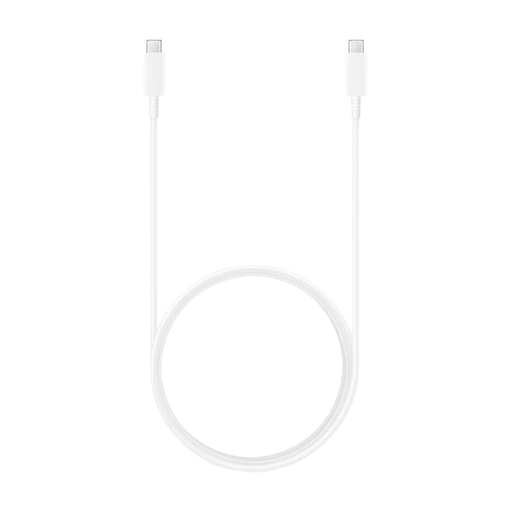
Why It Stands Out: This cable is engineered for high performance, supporting Power Delivery up to 100 watts. Combined with its 1.8-meter length, it is a highly flexible solution for demanding devices.
Pros:
- High Charging Power: Supports Power Delivery up to 100W (20V, 5A).
- Super Fast Charging: Compatible with up to 45W for supported Samsung devices.
- Generous Length: At 1.8 meters, it offers plenty of reach.
- Durable Construction: Designed for daily use and a long lifespan.
Who It's For: Ideal for users of high-performance laptops (e.g., MacBook Pro, Dell XPS) or Samsung devices who want to leverage the maximum charging speed of 100W or 45W, respectively, and need a longer cable for added convenience.
UGREEN USB 2.0 Type-C to Type-C Cable (1m)
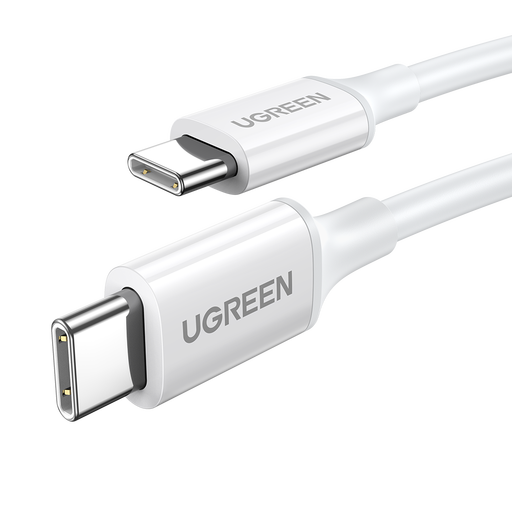
Why It Stands Out: The UGREEN cable is a versatile all-rounder that supports major fast-charging protocols and delivers solid performance for a wide range of devices.
Pros:
- Broad Compatibility: Supports PD, Quick Charge (QC), and AFC fast-charging protocols.
- Solid Performance: Delivers a charging power of up to 60W (3A), sufficient for most smartphones, tablets, and many laptops.
- Reinforced Connectors: The reinforced connectors increase resistance to mechanical stress.
- Standard Data Transfer: Supports USB 2.0 with speeds up to 480 Mbps.
Who It's For: An excellent choice for everyday use with devices like the iPhone 17, Google Pixel, Samsung Galaxy, or Nintendo Switch. It's a reliable replacement or secondary cable for users seeking a good balance between price and performance.
Apple Official USB-C Charge Cable (1m, Woven)
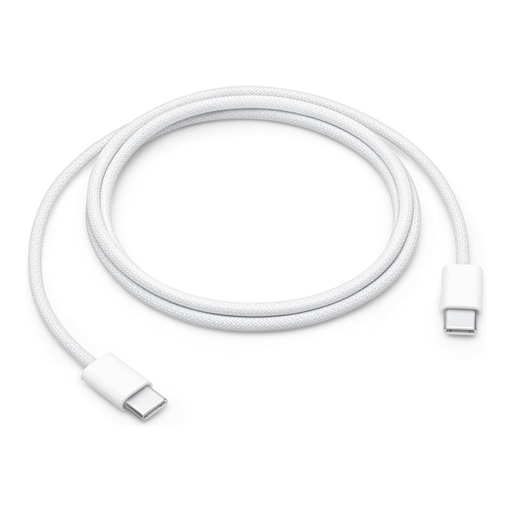
Why It Stands Out: This cable is distinguished by its premium woven design, which ensures superior durability and resistance to tangling.
Pros:
- Premium Material: The woven design protects against wear and fraying.
- Optimized for Apple Devices: Supports fast charging up to 60W when paired with a compatible USB-C power adapter.
- Reliable Performance: Engineered for seamless charging, syncing, and data transfer between USB-C devices like the MacBook, iPad Pro, and iPhone 15 or newer.
- Compact Length: The 1-meter length is convenient for desk use and travel.
Who It's For: Especially recommended for users in the Apple ecosystem who value durability and seamless integration with their devices. The woven material is a clear advantage for anyone who is frequently on the go.
Looking for More Options?
The cables featured here cover the most common use cases. However, the market offers an even greater variety, including cables with different lengths, colors, or specialized data transfer rates like Thunderbolt. If you have a specific requirement not covered here, it's worth exploring a wider range.
Explore our full range of data cables on Joybuy to find the perfect solution for your needs.
Frequently Asked Questions (FAQ)
Can I use any USB-C cable for any device?
Physically, any USB-C plug will fit into any USB-C port. However, functionality can differ greatly. A basic charging cable may not be able to transfer data at high speeds or carry video signals. For fast charging, the cable must support the power required by the device and power adapter (e.g., 100W Power Delivery). Using a lower-spec cable will simply result in slower charging.
What does Power Delivery (PD) mean for a USB-C charging cable?
Power Delivery (PD) is a fast-charging standard that allows significantly more power to be transferred through a USB-C cable than with older USB standards. While conventional USB ports are often limited to 7.5W or 15W, PD can deliver power up to 100W (and even more in newer specifications). This is crucial for charging devices like laptops or large tablets in a reasonable amount of time.
Does a longer USB-C cable charge more slowly?
With high-quality, certified cables of typical lengths (up to about 2 meters), the impact of length on charging speed is negligible in practice. However, with very long (over 3 meters) or low-quality cables, a slight voltage drop can occur, which may minimally reduce charging performance. For most users, a cable up to 2 meters long will not be an issue.