
Curated Gaming Mouse Guide: Balancing Form, Function, and Control
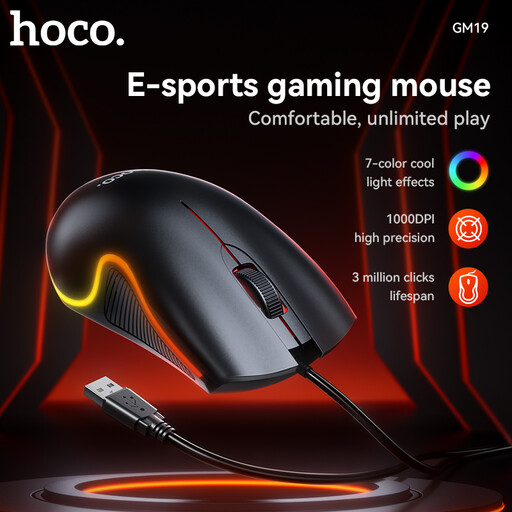
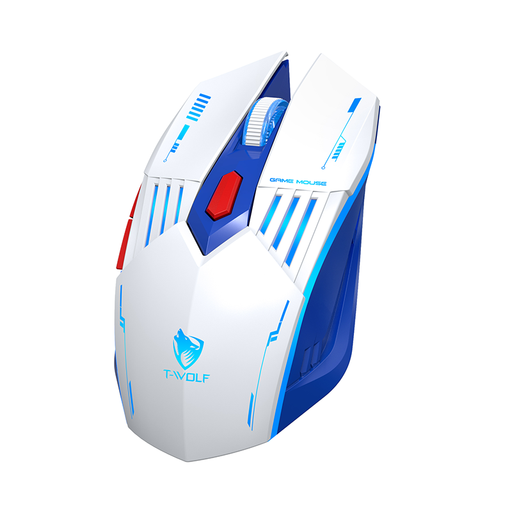
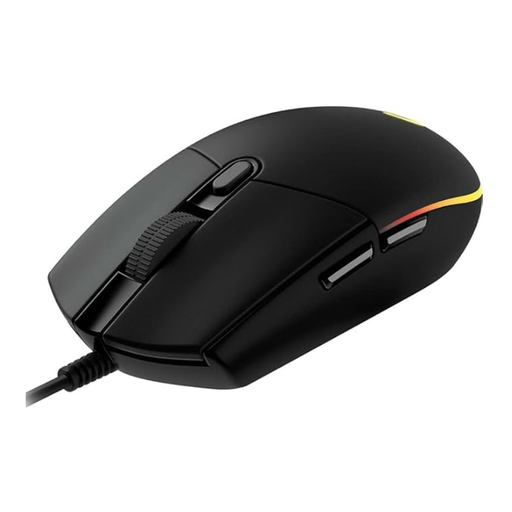
The desk has evolved. It is no longer just a place for work, but a personal space where focus and leisure strike a balance. The tools we use here reflect this transformation. They must be precise for professional tasks and responsive for moments of relaxation. The lines between an office tool and a gaming peripheral are blurring, and at the centre of this evolution is an often-underestimated object: the computer mouse. Today, a modern gaming mouse is far more than a niche product for esports athletes. It is an example of thoughtful design, engineered for durability, comfort, and precision.
The Anatomy of Precision: Ergonomics and Focus
The interaction with our digital tools is a deeply physical experience. Hours spent at the PC, whether editing images or navigating virtual worlds, take a toll on the hand and wrist. An ergonomic mouse is therefore not a matter of luxury, but a fundamental prerequisite for sustained well-being at the workspace. The shape of such a device should support the natural posture of the hand to minimise fatigue and strain.
Technical performance is just as crucial. Sensor sensitivity, measured in DPI (Dots Per Inch), determines how far the cursor travels with a physical movement of the mouse. A mouse with a high DPI setting enables swift, sweeping cursor movements with minimal hand effort, while a lower DPI setting allows for more precise, controlled manoeuvres. Modern mice offer the ability to adjust this setting on the fly to adapt to different tasks—from pixel-perfect retouching in a design program to rapid orientation in a game.
The choice between a wired and a wireless gaming mouse is often a personal decision between aesthetics and function. A wireless connection creates a clean, minimalist desk and offers maximum freedom of movement. Today, advanced wireless technologies ensure a latency that is virtually indistinguishable from a wired connection. Simultaneously, the trend is moving towards the ultra-lightweight gaming mouse. A lower weight reduces inertia and the effort required for each movement, leading to faster reactions and less fatigue. The visual component, such as a subtle RGB mouse, can also personalise the workspace without being a distraction.
Objects for the Focused Everyday
In the professional esports arena, where milliseconds and micro-movements determine success, models like the Razer DeathAdder V3 Pro set a high standard. Its extremely low weight of just 63 grams and a shape optimised in collaboration with athletes enable a level of control that feels almost intuitive. The Logitech G PRO X SUPERLIGHT 2 follows similar principles, also focusing on minimal weight to accelerate the connection between the user's intent and the on-screen action. Such tools are designed for peak performance and demonstrate how specialised design can support human responsiveness.
For the hybrid workflow, which involves seamlessly switching between spreadsheets and digital environments, more versatile instruments are available. The Logitech MX Master 4 for Business is an example of such a tool. According to Logitech, its 8K DPI Darkfield sensor tracks precisely on virtually any surface, and its quiet clicks preserve focus in shared workspaces. Another model, the Razer Basilisk V3 Pro, combines an ergonomic shape with a customisable scroll wheel that is useful for both rapid document scanning and tactile feedback in applications.
This evolution shows that advanced features are becoming increasingly accessible. Models like the ET PC400 Wireless Gaming Mouse offer dual connection modes via 2.4G and Bluetooth, as well as programmable buttons, making them a flexible companion for various devices. The Rexsun Tri-Mode Gaming Mouse X7 also highlights this trend towards versatility by combining wired, 2.4G, and Bluetooth options in a single, adaptable design. These tools are not just a mouse for the PC, but thoughtful solutions for a modern, multifaceted digital lifestyle.
For those who wish to explore an expanded selection of objects with thoughtful design standards, the complete directory for Gaming Mice with Side Buttons offers further inspiration.